I still remember the day I missed out on those limited-edition sneakers due to manual refreshing. I was stuck in an endless loop of F5, and my finger was about to cramp up. That’s when I realized I needed a better way to stay on top of things. The auto refresh page extension became my new best friend, and it’s been a game-changer.
The Problem: Manual Refreshing Madness
As a deal hunter, I’m always on the lookout for the latest drops and promotions. But with so many websites to monitor, manual refreshing becomes a tedious task. I’d find myself constantly hitting F5, waiting for that one item to become available. It was like playing a never-ending game of refresh roulette. And let’s be honest, who hasn’t been there? You’re trying to get your hands on something, but the website just won’t cooperate.
The Discovery: A World of Automation
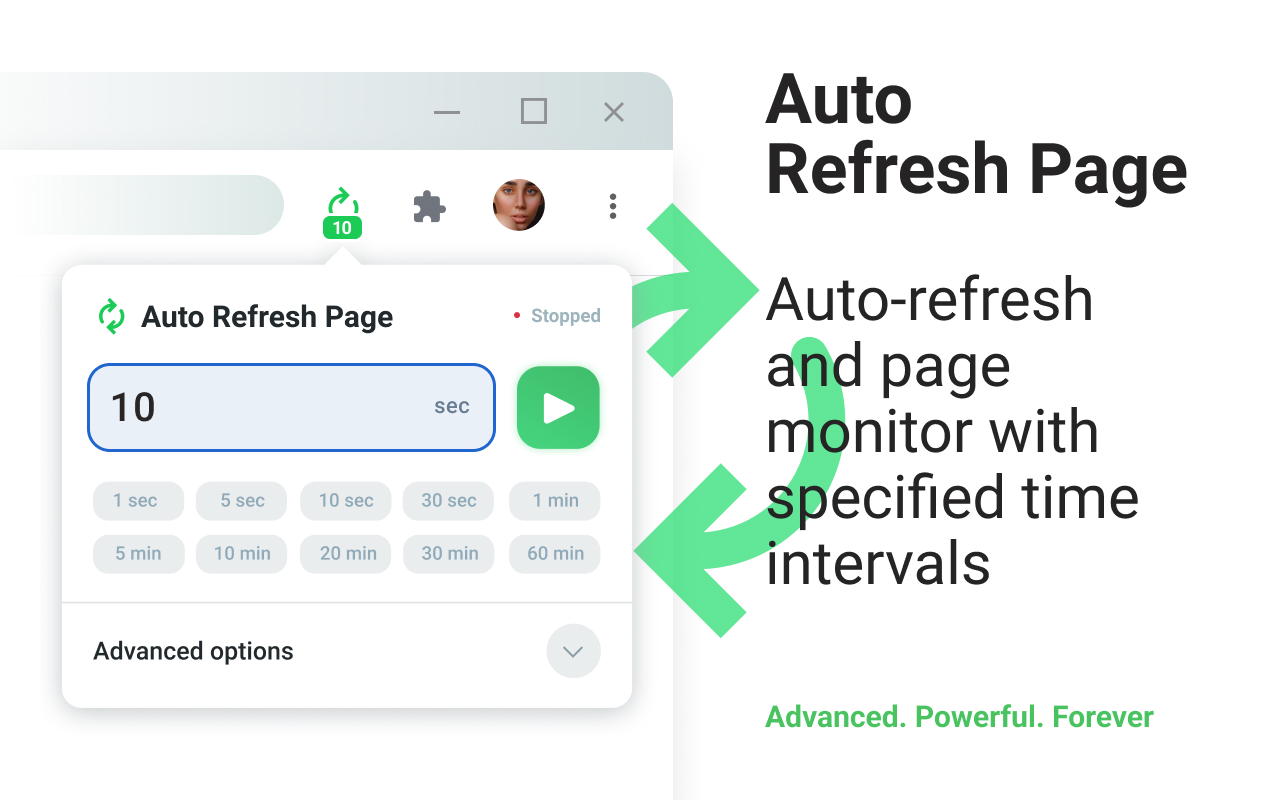
That’s when I stumbled upon the auto refresh page extension. It was like a breath of fresh air. No more manual refreshing, no more F5 madness. I could set up the extension to automatically refresh the page at set intervals, giving me more time to focus on other things. And with features like Auto Clicker, I could even automate tasks like clicking the “Stay Logged In” button every 10 minutes.
The Implementation: Setting Up My Auto Refresh Page
Setting up the extension was a breeze. I simply installed it from the Chrome Web Store and started configuring my settings. I set up the Refresh All Tabs feature to monitor multiple websites at once, and even used the Refresh URLs from a List feature to keep an eye on specific pages. And with Notifications, I’d get alerted whenever something changed on the page.
The Result: A Stress-Free Deal Hunting Experience
Now, I can finally say goodbye to manual refreshing and hello to a stress-free deal hunting experience. The auto refresh page extension has been a lifesaver, and I couldn’t imagine going back to the old way of doing things. With its Random Intervals feature, I can even avoid getting flagged by websites that don’t like automated traffic. And if I need more customization, I can use the Execute Custom JavaScript feature to run my own scripts.
So, if you’re tired of hitting F5 and want to take your deal hunting to the next level, I highly recommend giving the auto refresh page extension a try. Trust me, your fingers (and your sanity) will thank you.